Introduction
- Item Name : Soon , demo
- Item version : V 1.0
- Item Author : Rebai Adnen
- Support E-mail : adnen.rebai@gmail.com
First of all, Thank you so much for downloading this template and for being my loyal customer.
You are awesome!
You are entitled to get free lifetime updates to this product + exceptional support from the author directly.
This documentation is to help you regarding each step of customization. Please go through the documentation carefully to understand how this template is made and how to edit this properly. Basic HTML , CSS and javascript knowledge is required to customize this template.
Requirements
You will need the following sofwares to customize this template.
- Code Editing Software (eg: Sublime Text or Notepad)
- Web Browser for testing (eg: Google Chrome or Mozilla Firefox)
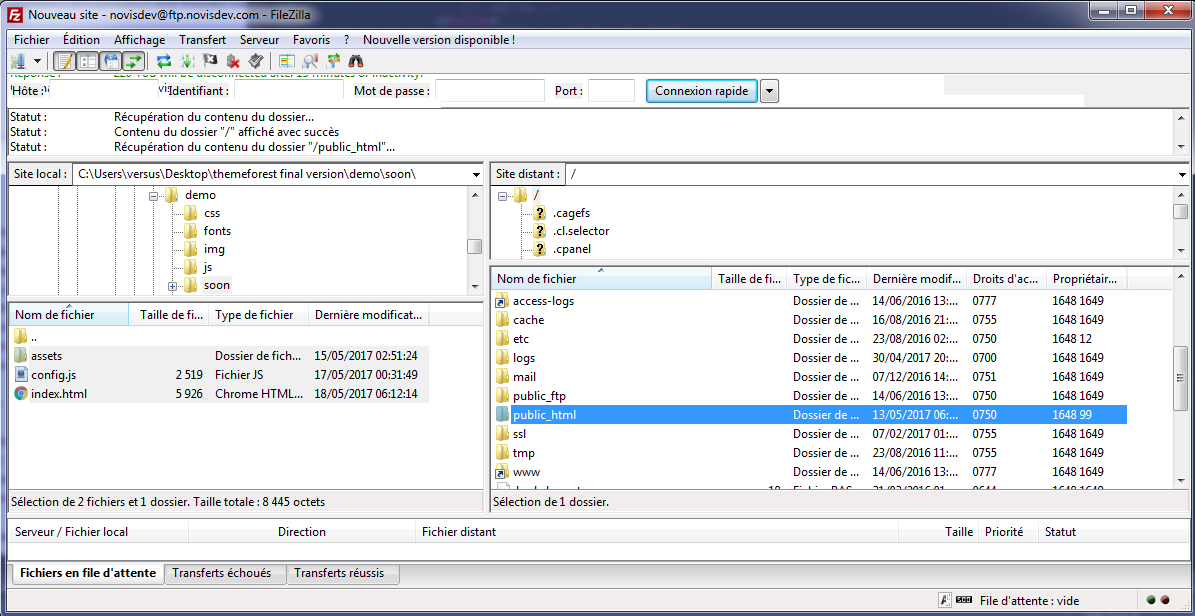
- FTP Tool to upload files to Server (eg: FileZilla)
Be careful while editing the template. If not edited properly, the design layout
may break completely.
No support is provided for faulty customization.
This is the content of the template , just the config.js file you need to change it to have any demo from the 24 demos.
-
assets
-
css
- bootstrap.min.css
- font-awesome.min.css
- style.css
- vegas.min.css
- fonts
-
img
- favicon.ico
- logo.png
-
js
- jquery.min.js
- jquery.ajaxchimp.js
- main.js
- particles.js
- vegas.js
-
css
- index.html
- config.js
Ok , open config.js we will start to configure our template :
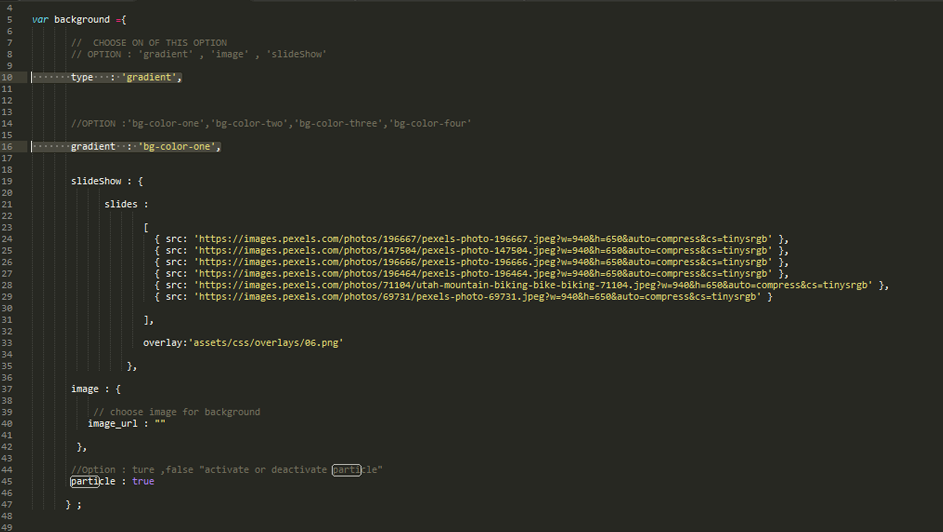
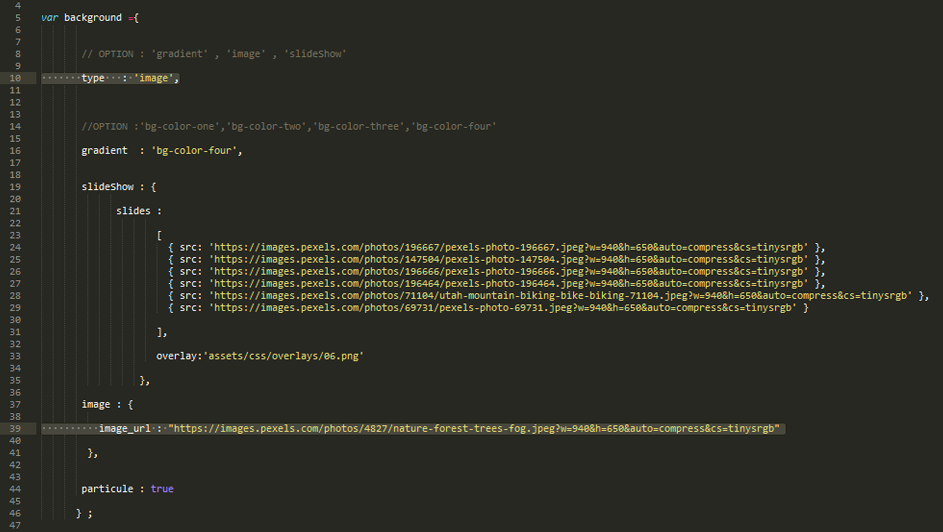
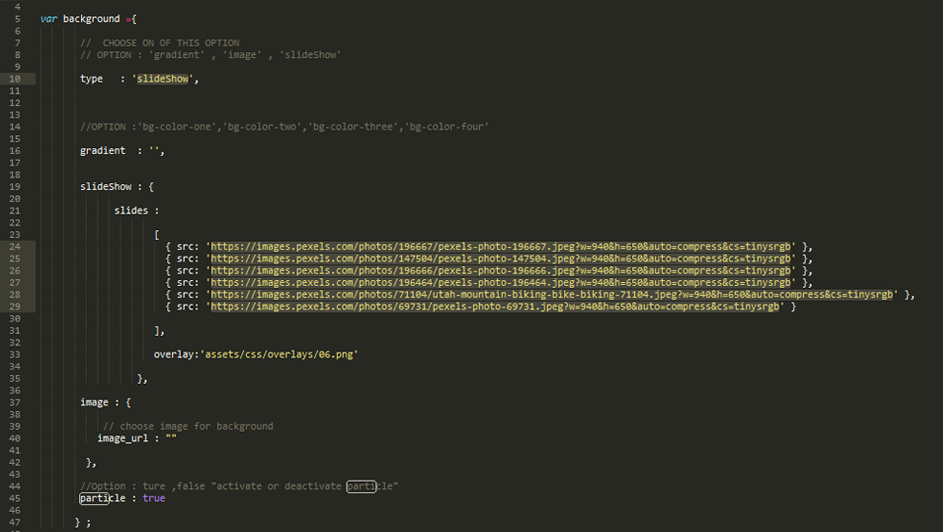
- Choose between the 3 differents option of background: "gradient","image" or "slideShow"
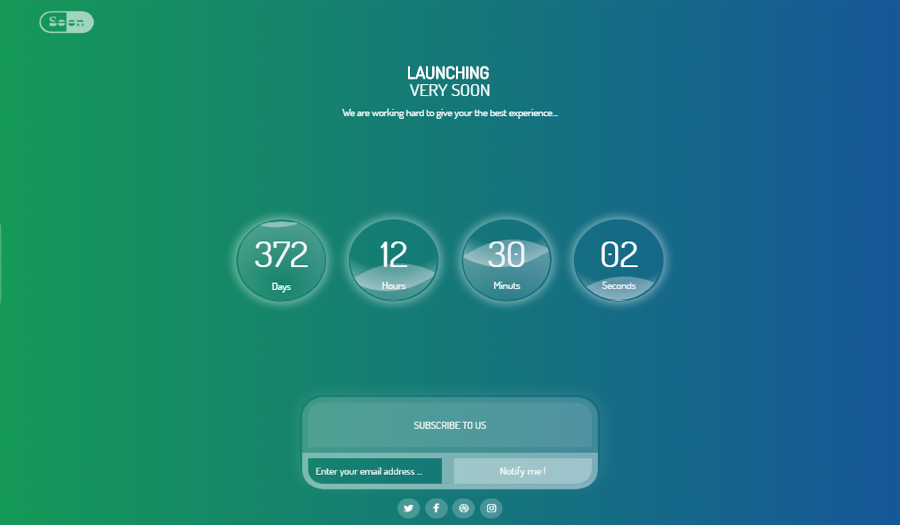
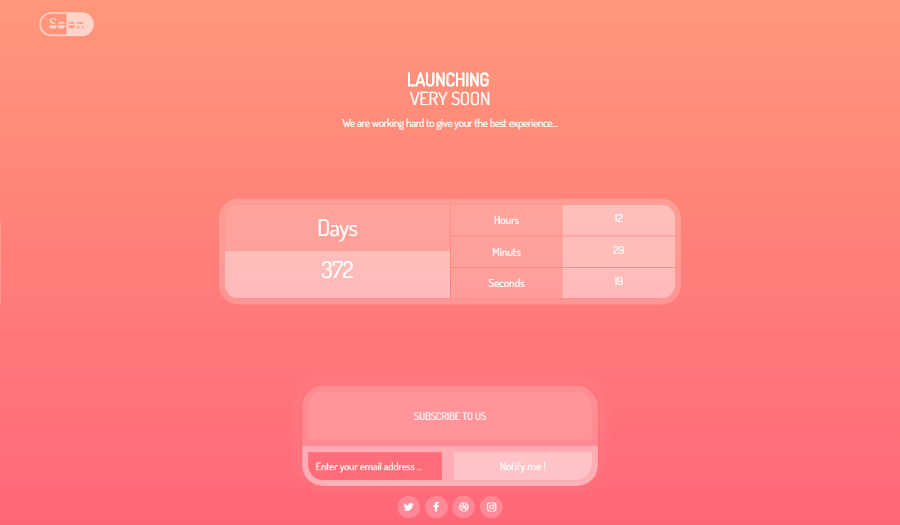
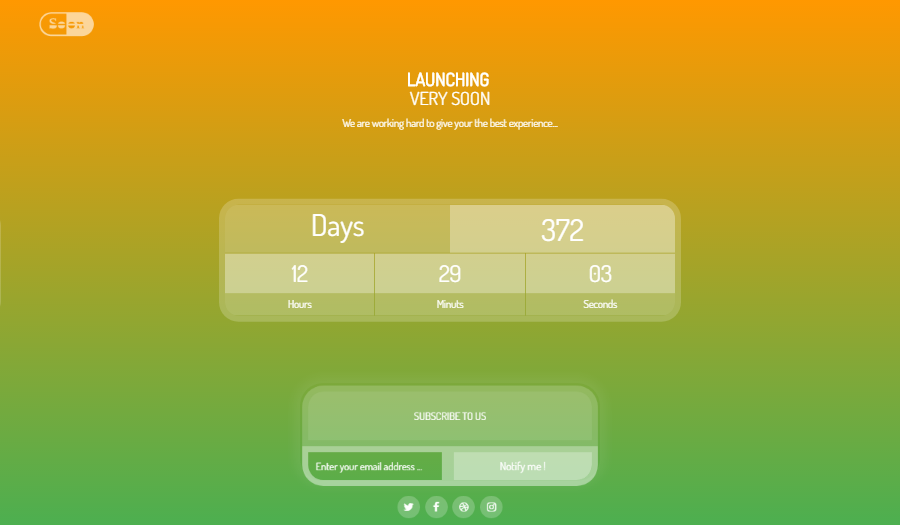
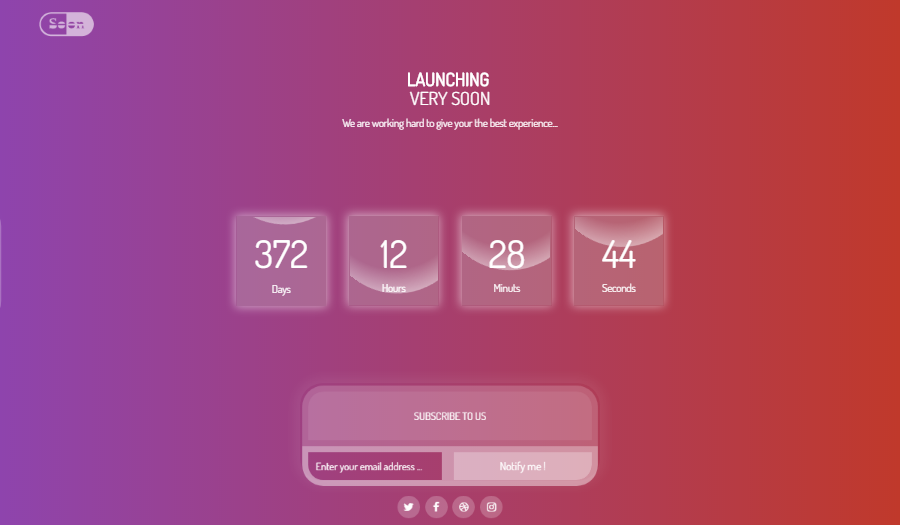
- for background type:"gradient" choose the between "bg-color-one","bg-color-two" , "bg-color-three" or "bg-color-four"
- for background type : "image" fill the image_url:"" with your image path
- for background type : "slideShow" fill slides paths :"" with your images paths
- Activate or deactivate particle : "true" or "false"
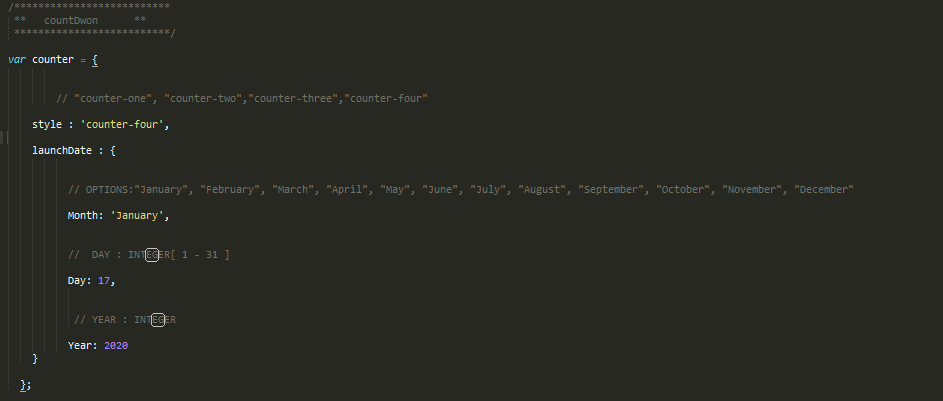
- Choose between 4 differents CountDown : "counter-one","counter-two","counter-three" or "counter-four"
- fill the launch date ,Month , Day , Year
- Fill the post url of your mail chimp
- everything is great !, upload to server


CSS files are included under assets/css
- 1. style.css - Primary stylesheet
- 2. bootstrap.min.css - Bootstrap stylesheet
- 3. vegas.min.css - vegas slideshow css
- 4. fontawesome.css - FontAwesome Font Icons stylesheet
Javascript files are included under assets/js
- 1. jquery.min.js - Base JavaScript
- 2. particle.js - particle JavaScript code
- 3. app.js - particle JavaScript configuration
- 4. jquery.ajaxchimp.js - jquery ajaxchimp javascript code
- 5. vegas.js - slideshow vegas JavaScript code
- 6. main.js - custom JavaScript code